Every PDF tool you need.
Free, and in your browser.
Merge, split, compress, convert, sign, watermark and protect PDFs — all 100% free. Your files are processed on your device and never uploaded.
Popular tools
Organize
Convert
Edit
Security
Private by design. Free for everyone.
No uploads, no accounts, no hidden costs — just fast PDF tools that respect your privacy.
100% private
Files are processed in your browser and never uploaded.
Always free
No subscription, no limits, no watermark on your output.
No sign-up
No account or install — just open the tool and go.
No page limits
Merge, split, compress and convert PDFs of any size — no 30-page cap and no file-count limits, ever.
Frequently asked questions
Are these PDF tools really free?
Yes. Every PDFLove PDF tool is 100% free with no sign-up, no per-file limits and no watermark on your output. There is no paid tier — all tools are free for everyone.
Are my files uploaded to a server?
No. Every tool runs entirely in your browser using your device’s own processing power, so your PDFs and images are never uploaded. Your files never leave your computer or phone.
Do I need to install anything or create an account?
No install and no account. There’s no email, no registration and no app to download — open any tool in your browser and start working immediately.
What PDF tools are available?
You can merge, split, rotate, reorder and delete pages, compress, convert (PDF to Word, PDF to Excel, PDF to JPG, JPG to PDF), edit, fill forms, add page numbers, edit metadata, sign, watermark, OCR (extract text), and password-protect or unlock PDFs — all free and all in your browser.
Is it safe to use PDFLove for confidential documents?
Yes. Because processing happens locally in your browser and nothing is uploaded, even sensitive contracts, IDs and financial documents stay private on your device.
Does it work on mobile?
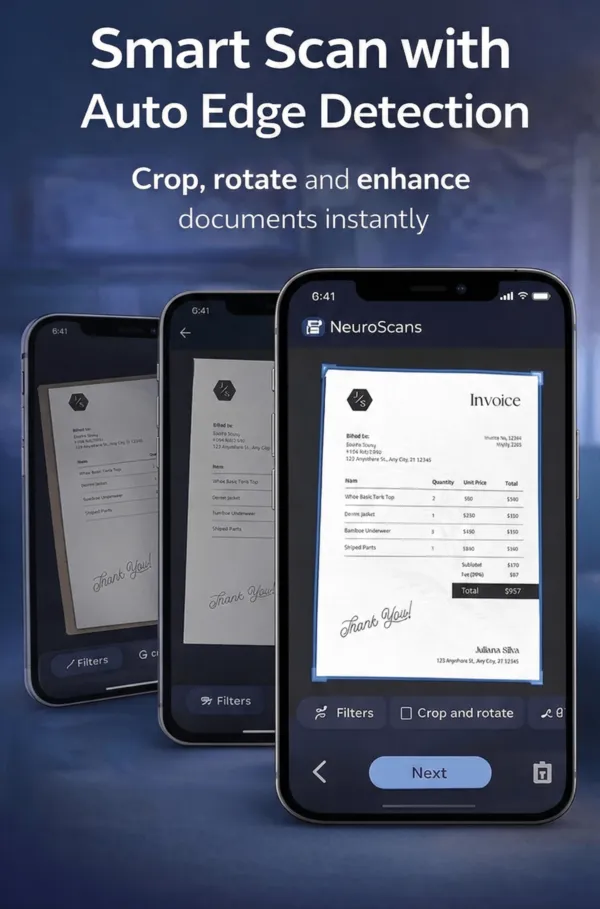
Yes. All tools work in modern mobile browsers on iPhone and Android. You can also install the free PDFLove app for camera scanning, OCR and an encrypted vault.
Latest from the blog
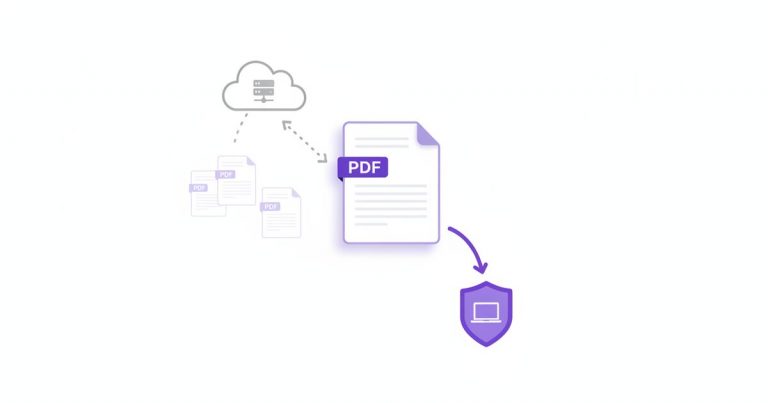
Is It Safe to Upload PDF Online? An Honest Answer
Is it safe to upload PDF online? You need to compress a contract or merge two statements, a free website promises to do it, and…
Read more →
How to Save Google Doc as PDF in Seconds, Free
Someone has asked for your document as a PDF, and you need to save Google Doc as PDF without the layout falling apart on the…
Read more →
iLovePDF Alternative: Compared with Smallpdf and PDFLove
If you are hunting for an iLovePDF alternative, you have probably hit a daily limit, a watermark, or a sign-in prompt in the middle of…
Read more →Want it on your phone too?
Get the free PDFLove app — scan documents with your camera, run OCR, lock files in an encrypted vault, and use the full PDF toolkit. Every feature free.
- Free on iOS & Android
- No subscription
- 100% on-device